Transfer feature overview
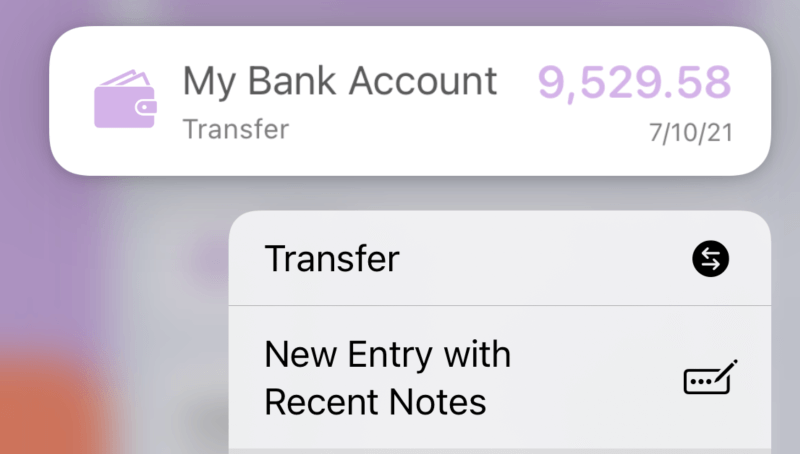
Percento draws on the concept of "double-entry accounting" and provides a "transfer" feature to help users avoid recording the same transaction twice in two accounts. Long press an account on the Home page, then tap "Transfer" to start it.
When transferring stocks, funds, and digital currencies, Percento automatically converts the transfer amount based on the current exchange rate and price, using the entered share changes.
The following examples can help you understand the transfer feature.
1. Transfer between two asset accounts. For example, if you transfer $3,000 from "Bank Card" to "PayPal", Percento will create two records. "Bank Card" adds a record decreasing by $3,000, while "PayPal" adds a record increasing by $3,000.
2. Transfer between assets and liabilities, and select "decrease both". If you transfer $3,000 from "Bank Card" to repay "Credit Card", Percento will create two records. "Bank Card" will add a record that decreases by $3,000, and "Credit Card" (liability category) will add another record to decrease the same amount.
3. Transfer between assets and liabilities, and select "increase both". For example, if you borrow a new loan of $3,000, Percento will add a liability record of $3,000 in "Loan" and at the same time add a record of $3,000 to your liquidity account.
After the transfer, you can see that total net assets have not changed.